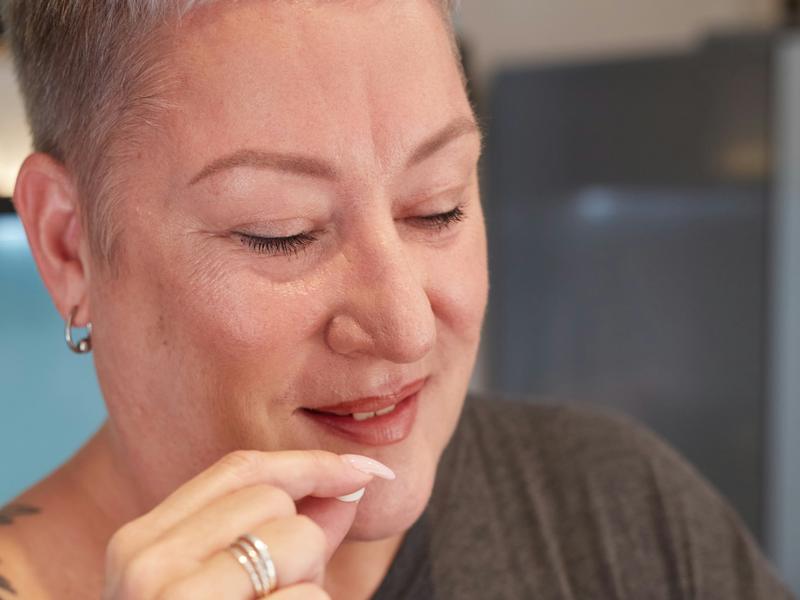
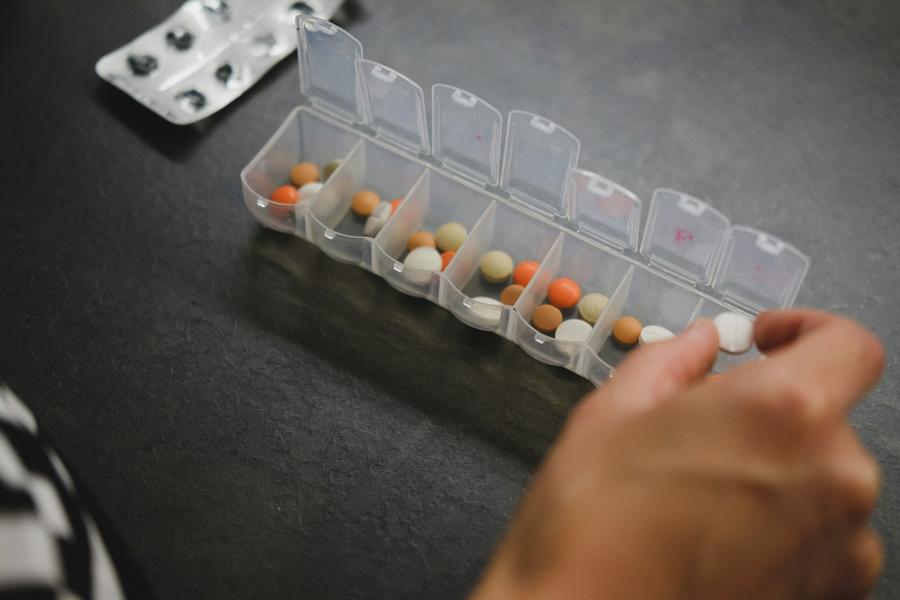
After emergency surgery, I came home with about 50 pages of discharge papers, 50 more on my medications, and messages in my health records on my iPhone. On top of what I normally take, I had 10 to 12 new medicines and supplements: some I had to take, some I could take as needed, like for pain, and some supplements my doctor suggested.
Keeping it straight across different places made no sense. I wanted one app to pull it together: paste in what my doctor said (stop this, start that) and see it in one list, each line showing the words it came from, so I could check it with my care team. That became Read my instructions, a planned feature. I photographed the bottles I came home with, too.
Then a second problem: waking up groggy from a nap and having to find the 17-letter medicine due at 3:30 PM. That's where the symbols came from. Lidcue is being built to show what's due on the schedule you enter, and to let you find the bottle by the symbol you drew on its cap.
I'm building Lidcue for anyone juggling their own medicines, with planned sharing for the person who helps you.
— Elliott Innes, founder
Check the pharmacy label before every dose.
Lidcue isn't medical advice. Follow your care team's instructions.
The hard part
A pill box holds your pills. It can't keep a record of each dose.
Several prescriptions. A medicine you take only when you need it. A new list after surgery. Bottles that look alike, and a schedule that changed after the last appointment.
Then comes the question: "Did I take it already?" Many people know that feeling.
Lidcue keeps a simple record on your iPhone: which medicine, for which person, and what time it was logged.
Keep using your pill box. Lidcue works alongside it and keeps a record of what you logged.
Keeping track of medicines is hard. You shouldn't have to remember every detail.
Who it's for
Made for anyone keeping track of their own medicines.
Whether you take a few prescriptions, use an as-needed medicine, or are home recovering from surgery, Lidcue keeps a clear record in one place. And if someone helps you with your medicines, or you help someone else, Lidcue helps them keep track too.
Easy to see and easy to use
Large text you can adjust, and plain words
Only a few buttons. It does one job: keeping a clear record.
Simple marks for your caps: a shape or letter plus a color, so you don't have to tell them apart by color alone
Your information and Lidcue
Your medication list will be kept on your iPhone, not on Lidcue servers. We won't be able to see it.
We don't sell your data.
No ads.
No account will be needed.
Lidcue is made by Ridgeweave Labs LLC in Colorado.
* Lidcue is being built to keep everything on your iPhone. Anything marked "Planned" isn't built yet.
How it works
Three simple steps
Add your medications
Type them in as they appear on the label. In the iPhone app, you can also copy them in from the Apple Health app (planned).
Mark the cap and the bottle
Draw the same simple mark on the cap and on the side of the bottle with a permanent marker: a shape or letter in a color, like a blue circle with an A. Keep the pharmacy label uncovered. Lidcue shows the same mark on screen.
Check the pharmacy label before every dose.
Illustration (AI-generated). Not real people or a real product package.Mark the cap and the bottle. Check the pharmacy label before every dose.
Log as you go
Tap when you take a dose. Later, you can look back and see what you logged, and when.
Two features that help
Match the mark to the screen
Blue circleYellow triangleGreen square
You draw the same mark on the cap and the bottle with a permanent marker. Each mark has a shape or letter and a color, so you don't have to tell them apart by color alone. Lidcue shows the same mark beside that medication, which helps you keep track of which bottle is which.
Check the pharmacy label before every dose. Caps can get mixed up, and a mark on a cap goes with the cap. If the cap and bottle marks don't match, or you're not sure, read the pharmacy label.
Lidcue helps you keep track. The pharmacy label tells you what the medicine is. Lidcue doesn't identify medicines.
A clear record for medicines you take only when needed
For each as-needed medicine, you see what's been logged at a glance:
Last entry 5:34 PM. Gap from your label: 6 hours. Logged in the last 24 hours: 2 (your label's limit: 4).
You type in the gap and the daily limit from your label, and Lidcue shows them next to the times you logged. Lidcue doesn't tell you when to take a dose. Follow your label and your care team.
Already keep a list in the Health app?
Copy your medicines in from the Apple Health app, then keep track of them in Lidcue. Lidcue only reads the medicines you choose. It never changes anything in the Health app. (Planned for the iPhone app.)
Caring for someone else?
Helpful for the person who helps you, too.
Lidcue is made first for you, managing your own medicines. If a family member helps you, or you help someone else, it works for them as well.
Caring for more than one person? Switch between them on one iPhone. Lidcue keeps a separate record for each person: which medicine, and what time it was logged.
Sharing between two iPhones is planned. See below.
For you, and the person who helps you
Lidcue is planning a way for you and someone who helps you, like a spouse or an adult son or daughter, to share a medication list and see who logged each dose. You choose who sees it, and you can stop sharing anytime. Details to come.
Planned. Not in the app yet. Details may change.
What it looks like
Without a clear record, you may end the day unsure: checking bottles again, counting pills, wondering.
See what you logged, any time
Picture the end of the day. You glance at your phone and see what you logged, and when. The right bottle is easy to find. If you wonder "Did I take it?", you can check what you logged.
See how a day of medicines looks in Lidcue: your doses grouped by time of day, what you've logged, and your lid marks. You can also add the people you help: in the demo, a made-up caregiver switches between her husband's meds and her mom's. The people and the medicines are made up. Nothing in the demo is real. One tap starts it over.
Doses grouped into Morning, Midday, Evening and Bedtime
Tap Taken (now or earlier) or Skip (and say why)
A calendar, and the last 7 days at a glance
Colored lid marks: blue, yellow and green
As-needed medicines show the gap and daily limit typed in from the label
Large text you can adjust, a clear "Demo" label, and a button to start over
The demo opens in your web browser. Copying medicines from the Apple Health app isn't in the demo.
Demo coming soon
Coming later
What we're planning next
These are plans. They aren't in the app yet, and there's no date for them.
Planned. Not in the app yet.
Read my instructions
Paste or dictate instructions from your care team, like a discharge sheet or a portal message. Wendell copies the medicine details into suggested list changes, and you confirm each one. It runs on your iPhone, doesn't give medical advice, and doesn't check doses or interactions. Always check each change against your label and your care team.
Planned. Not in the app yet.
Bring in medicines from your health records
If your health system connects to the Apple Health app, Lidcue can read the medication records you choose. They stay on your iPhone, Lidcue never changes them, and you confirm each one.
Your health system's records are protected by your health system. Once you bring them into Lidcue, they stay on your iPhone.
Planned. Not in the app yet.
Simple mode
Bigger buttons, bigger text, fewer steps on screen. Same reminders to check the pharmacy label and the same confirm steps, just easier to see and tap.
Plans
Keeping track is free for one person.
Planned. Not in the app yet.
Lidcue Plus and a family plan are planned paid options. Prices aren't set yet. Plans and features may change before launch.
Free
Free for one person. Checking features are never behind Plus.
Reminders
A dose log and calendar
The as-needed log, with the gap and daily limit you type in from your label
Refill reminders
Copy your medicines from the Apple Health app (Lidcue only reads them)
Locked backup file, protected by a passphrase you choose
A label check: your iPhone reads the pharmacy label and shows whether it matches what you typed in
Free
Planned
Lidcue Plus
More history and reports you can show your doctor:
A report for your doctor, ready to print or send
Read my instructions, with Wendell, on your iPhone
Lidcue on your Home Screen and on Apple Watch
Price not set yet
Planned
Family & Caregiver
Keep track of several people's medicines on one iPhone, and switch between them.
Price not set yet
Join the waitlist
Opening soon
Get an email when Lidcue is ready for iPhone.
Not medical advice
Lidcue is a reminder and tracking tool. It isn't medical advice and doesn't replace your doctor or pharmacist. Always read the medication label. Questions about a medication belong with your care team. In an emergency, call 911.
 Lidcue